

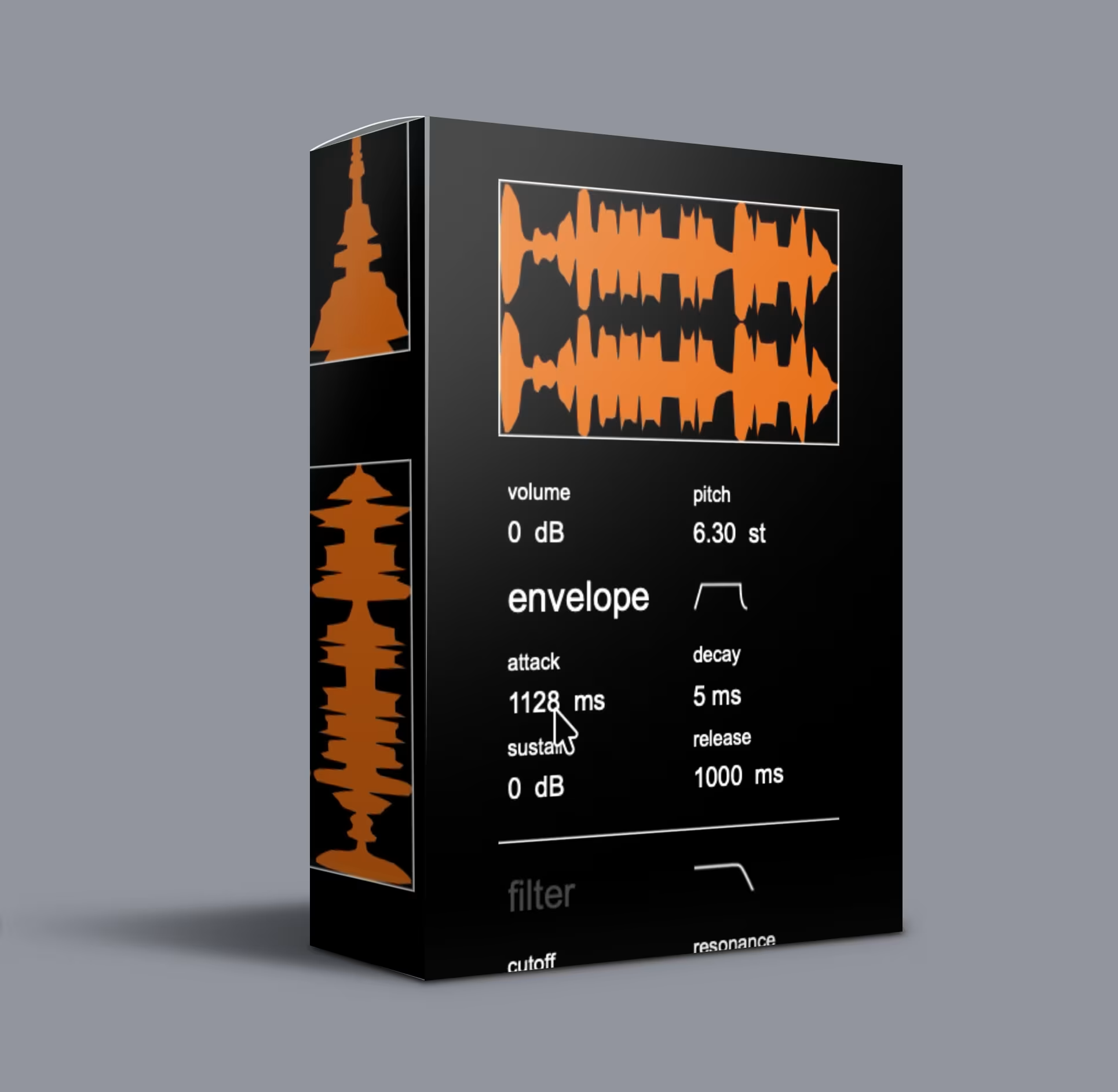
Waves Crate Multiverse VST – Sound Discovery Engine
Waves Crate Multiverse VST: a randomized sound design engine with 4,000+ built-in sounds and 8 real-time effects. Drop in up to 5 samples, randomize, and resample. VST3/AU.
Original price was: $89.00.$45.00Current price is: $45.00.
Description
Waves Crate Multiverse VST: A Different Approach to Sound Design
Most producers browse the same libraries and load the same presets as everyone else. The Waves Crate Multiverse VST flips that script. It’s a randomized sound design engine that takes your audio — one-shots, textures, loops — and reshapes them through eight independent effects that manipulate playback, timing, and tone in real time. Every pass produces something different, which means you hear results no preset library can deliver.
How the Waves Crate Multiverse VST Works
1. Load Your Sounds (or Use the Built-in Library)
Drag and drop up to five audio files directly into the plugin from your DAW or desktop. It accepts WAV, AIFF, FLAC, and MP3. Don’t have source material ready? Hit Generate Random Sound and Multiverse pulls from its internal collection of 4,000+ sounds with randomized parameter combos — no two starting points are ever the same.
2. Shape and Mutate
Once you load sounds, you take two paths:
- Auto-randomize: Multiverse continuously shifts playback, timing, and tonal parameters across all loaded slots. Sit back and listen as it proposes variations you’d never dial in by hand.
- Manual control: Adjust parameters per slot. Lock the channels you like, mute the ones you don’t, and let the rest keep evolving.
3. Capture What Works
When you hear something worth keeping, save it as a user preset or resample the output straight into your DAW. The engine keeps generating while you capture individual moments.
Who Uses the Waves Crate Multiverse VST?
- Experimental electronic producers — texture becomes arrangement; unpredictability becomes structure.
- Sound designers & foley artists — generate material that doesn’t sound like off-the-shelf sample libraries.
- Cinematic composers — evolving, unstable textures for tension that static pads can’t touch.
- IDM and glitch producers — rhythmic randomization and timbral chaos are foundational here.
- Sample pack creators — batch-generate unique one-shots and textures at scale.
What’s Included
- ✅ Multiverse Sound Discovery Engine plugin (VST3 / AU)
- ✅ 8 randomizable effects (playback, timing, tone, grain, spectral)
- ✅ 4,000+ built-in sounds with 500 factory presets
- ✅ Random preset generation engine
- ✅ 5-slot loader with per-slot randomization control
- ✅ Installation guide & authorization instructions
- ✅ Lifetime download access
System Requirements
| Platform | Details |
|---|---|
| Operating Systems | Windows 10/11 · macOS (Intel & Apple Silicon native) |
| Plugin Formats | VST3 · AU |
| DAW Compatibility | Ableton Live · FL Studio · Logic Pro · Cubase · Studio One · Bitwig · Reaper (any VST3/AU host) |
| Version | 1.00 |
Frequently Asked Questions
Q: Is Multiverse a sample player or a synthesizer?
A: Neither exactly. It loads audio files and processes them through eight randomizable effects that reshape playback, timing, and tone. The output regenerates on every pass — it’s not simple playback.
Q: Do I need my own samples to use it?
A: No. Multiverse ships with 4,000+ built-in sounds and 500 factory presets. You can start creating immediately, or drag in your own samples at any time.
Q: Can I save the sounds I discover?
A: Yes. Save results as user presets or resample directly into your DAW while the engine keeps generating new variations.
Q: Is Multiverse CPU-heavy?
A: The engine is optimized for real-time use. On a modern quad-core system you can run multiple instances without issues, even during continuous randomization.
Q: Are the sounds royalty-free?
A: Yes. Every sound you generate — whether from the built-in library, the random generator, or your own processed samples — is royalty-free for commercial music use. Redistributing the factory sounds as a competing product is not permitted.
Q: Is this related to any previous Multiverse plugin?
A: The Multiverse Sound Discovery Engine is a standalone product — a randomization-based sound design tool. It does not share a codebase or preset architecture with any earlier plugin released under a similar name.
The Bottom Line
Waves Crate Multiverse VST helps you generate sounds you wouldn’t arrive at on your own. Load your samples or lean on the built-in library, randomize across eight effects, lock what works, and keep pushing what doesn’t. Every pass is different — resample the output and move on to your next discovery.
For more on randomized sound design approaches, check out resources at KVR Audio and Sound On Sound. Browse our Virtual Instruments collection for more innovative synths and sound design tools.

Reviews
There are no reviews yet.