

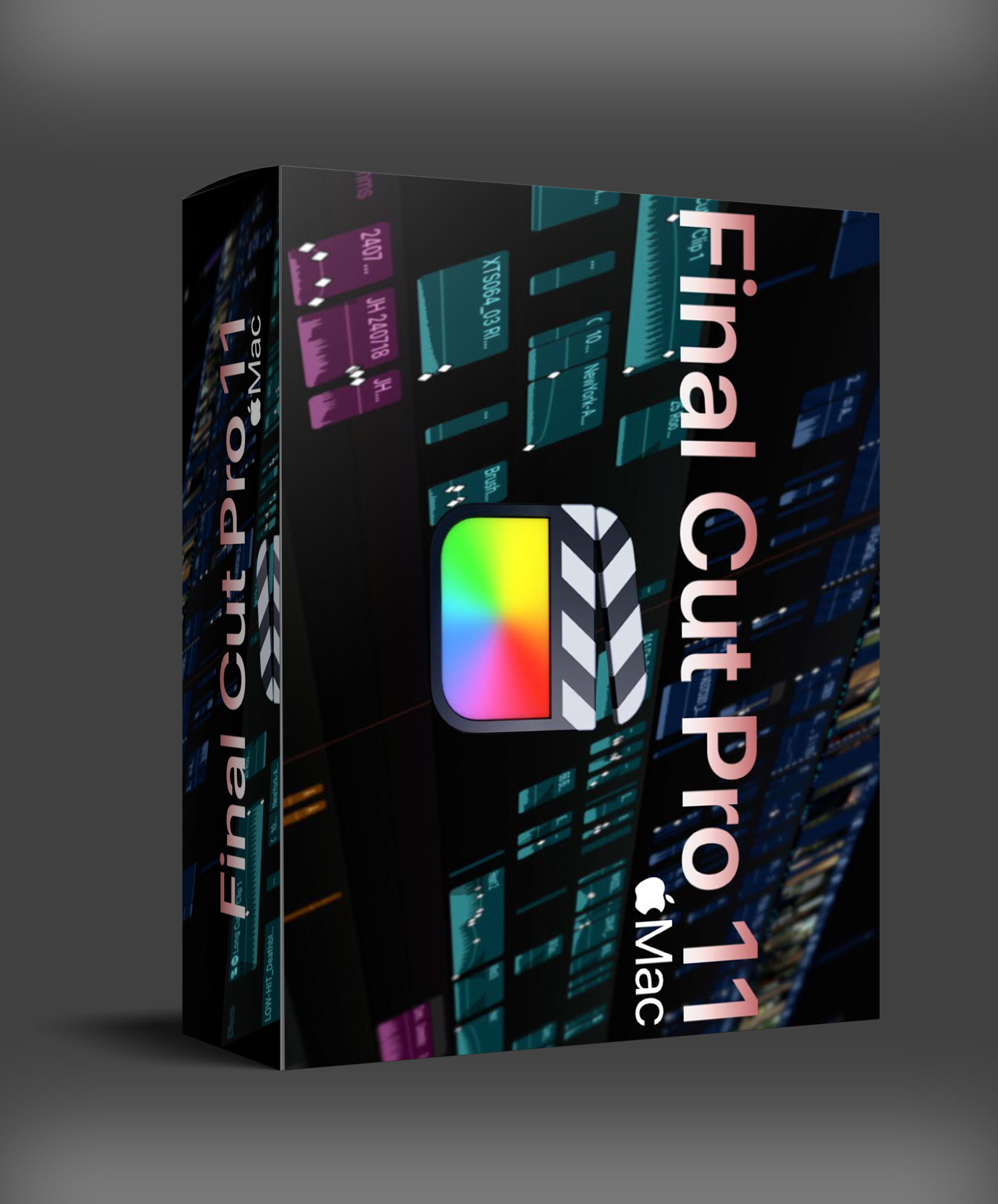
Final Cut Pro 11
Final Cut Pro 11: Professional video editing for Mac with AI tools, Magnetic Timeline, Apple Silicon optimization. Multicam, HDR, spatial video support.
Original price was: $299.00.$70.00Current price is: $70.00.
Description
Final Cut Pro 11: Professional Video Editing for Mac Creators
Editing video shouldn’t mean wrestling with complicated interfaces or waiting through sluggish renders. You need tools that respond quickly, organize media intelligently, and deliver professional-looking results without endless tweaking. Final Cut Pro 11 represents Apple’s latest approach to video editing — combining powerful performance with smart features designed specifically for macOS.
Whether you’re creating social content, documentary films, music videos, or commercial projects, Final Cut Pro 11 provides the tools to work faster and smarter. The software leverages Apple’s latest hardware — including M-series chips — while keeping the intuitive workflow that editors have come to rely on.
What sets Final Cut Pro 11 apart isn’t just the feature list — it’s how those features work together. The Magnetic Timeline keeps clips organized without manual busywork. AI-driven tools handle repetitive tasks so you can focus on creative decisions. Performance optimizations keep playback smooth and exports fast even with complex projects.
Key Features for Modern Video Workflows
Complete Editing Toolkit
Enhanced timeline that keeps clips organized and synchronized automatically
Automatically follows faces or objects for dynamic titles and effects
Full control over focus and depth for iPhone footage
Support for up to 64 camera angles with automatic sync
Import, edit, and export immersive 360-degree footage
Edit spatial video for Apple Vision Pro playback
Why the Magnetic Timeline Changes Everything
Traditional video editors force you to manage every clip’s position manually — drag one thing and three others shift out of place. Final Cut Pro’s Magnetic Timeline fixes this by keeping clips connected. Move a clip and everything attached moves with it. No gaps, no overlaps, no manual realignment. It sounds simple, but once you’ve worked with it, traditional timelines feel clumsy.
The timeline also supports roles-based color coding, compound clips for nested sequences, and auditioning — letting you try different takes without cluttering your timeline.
AI Tools That Actually Save Time
Final Cut Pro 11 includes several intelligent features designed to handle the tedious parts of editing. The AI Object Tracker follows faces or objects across a scene, automatically attaching titles, effects, or blur masks. Smart Conform automatically reframes footage for different aspect ratios — perfect for repurposing widescreen video for social media squares or vertical Stories.
The Color Inspector gives you professional color grading with a streamlined interface. Use color wheels, curves, hue/saturation controls, and automatic color balance to get your footage looking consistent across scenes.
Performance That Keeps Up
Final Cut Pro 11 is built for Apple Silicon from the ground up. Playback stays smooth with multiple streams of 4K or even 8K ProRes. Background rendering means you keep working while exports process. The optimized engine handles complex effects, multi-cam edits, and color grading without the constant beach-balling that plagues other editors on Mac.
Why Choose Final Cut Pro 11?
Blazing performance on M-series Macs with smooth 4K/8K playback
Clips stay connected — no gaps, no overlaps, no manual fixing
Auto-track faces and objects for dynamic titles and effects
Auto-sync multi-camera projects with angle viewer
No subscription — buy once and own it forever
Native support for ProRes, RAW, RED, ARRI, and more
Ready for Professional Video Editing?
Get professional video editing for Mac with AI tools, Magnetic Timeline, and Apple Silicon optimization.
Instant digital download • macOS 14.6+ required • Apple Silicon optimized
Frequently Asked Questions
Click a question to expand the answer.
What are the system requirements for Final Cut Pro 11?
Can I import Premiere Pro projects?
Does Final Cut Pro support plugins?
What’s new in Final Cut Pro 11 compared to 10.x?
For more on Final Cut Pro workflows, check out Sound On Sound’s review of Final Cut Pro. If you’re building a complete video production setup, Final Cut Pro pairs well with dedicated hardware controllers and color grading monitors.


TonaTonBeats –
made purchase! everything works fine